01 / COLLECT
Know your pieces.
Add your favorite items, their sizes, and how often you use them. Keep the things you love easy to find.
A LITTLE SPACE FOR WHAT YOU LOVE
Make room for the pieces you reach for every day. Measure your space, explore a layout, and keep the arrangements that feel like you.
A personal space for your daily ritual.
 A space to call your own
THE IDEA
Vunel brings your pieces, measurements, and layouts together. Keep track of what you own, plan where it goes, and come back to a setup that works for your real space.
WHAT YOU CAN DO
From the first measurement to a saved arrangement, every step has a place.
Add your favorite items, their sizes, and how often you use them. Keep the things you love easy to find.
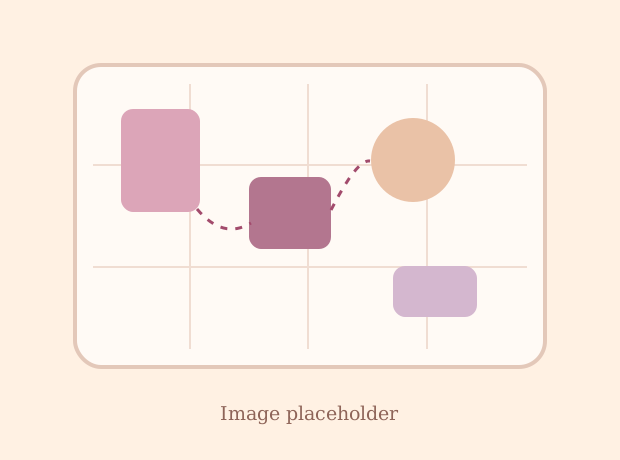
Measure your tabletop, make room around the mirror and drawers, and explore a layout in Studio.

Save dated layouts in your Archive, revisit your choices, and share a finished space in the Square.
A SIMPLE RITUAL
Start with what you have. Vunel helps you see what fits, then lets you make every detail your own.
Add its width, depth, and a photo so your layout starts with the space you actually use.
Pick the items you want nearby and set any clearances your space needs.
Try an arrangement, adjust positions yourself, and save a dated layout to revisit later.
HELP & SUPPORT
Quick answers to common questions about getting started, arranging, purchases, and your account.
Still need help? Email usAdd a tabletop photo and measurements, save the pieces you want to use, then open Studio and tap Arrange. You can adjust positions manually before saving a dated layout.
Your first three successful arrangements are free. After that, each successful arrangement costs 14 coins. An attempt that cannot produce a valid layout is not charged. You can see your remaining free plans and coins in the app.
Your profile, pieces, Studio draft, and saved layouts are kept in private online records, with a copy on your device for editing. Published Square posts are visible to others.
Open Profile in the app to edit your details, sign out, or choose Delete account. If you need help with a deletion request or uploaded files, contact support by email.
Check your connection and reopen the app. If your coin balance still has not updated, email support with the approximate purchase time and product, but do not send your Apple ID password or payment card details.
SOMETHING ON YOUR MIND?
For app questions, account help, purchase issues, or feedback, write to the Vunel support team.